What is LOKD?
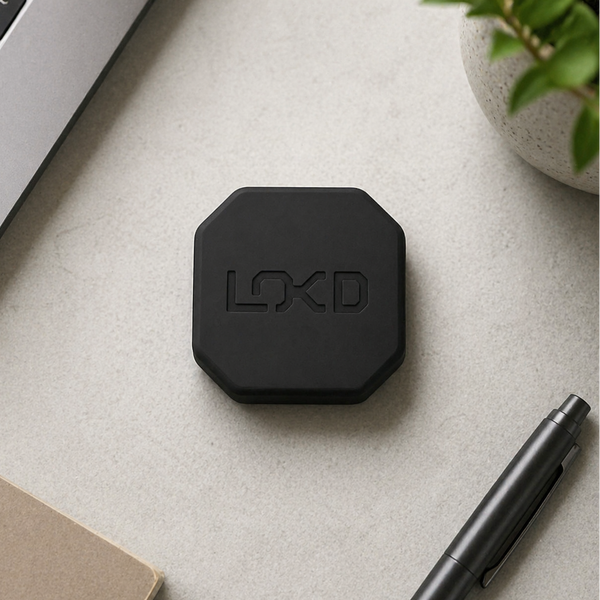
LOKD is a physical key paired with an app that helps you set clear boundaries with your phone. One tap locks distractions away, and you only unlock when you're ready. It's built for focus and designed for simplicity.
How it works
1 Choose Apps to Block
Open the LOKD app and choose which apps or websites you want to block. You can create multiple custom modes for different parts of your day like Work, Family Time, or Study. Each mode has its own set of blocked apps.
2 Tap the LOKD Key
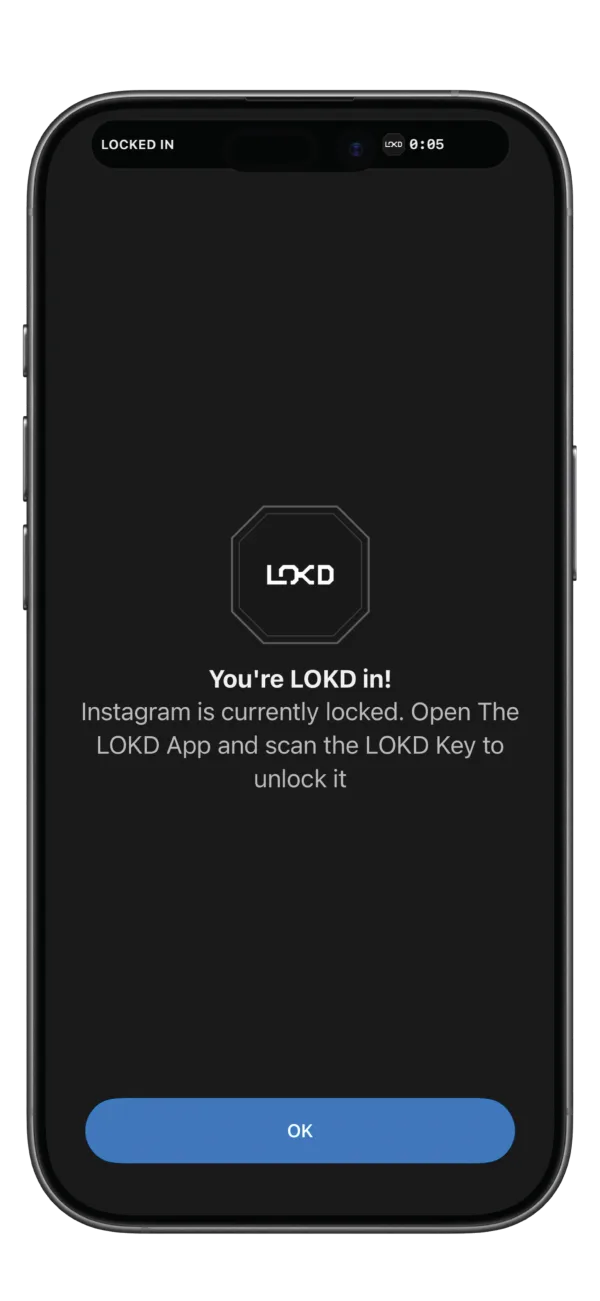
Once you've selected a mode, tap your phone to the LOKD Key to activate it. Or, if you're not near your Key, tap and hold the Key button in the app to enable LOKD Mode from anywhere. As soon as you're locked, a timer starts - helping you track how long you stay focused.
3 Lock In
Now you can have your phone without distractions. The physical distance creates real friction that digital apps can't match. This separation ensures you stay committed to your focus session.
4 Intentional Unlock
When you're ready to reconnect, physically return to your LOKD Key and tap your phone to it. This intentional action ensures you're making a conscious choice to end your focus session. Emergency access is available through 5 emergency unlocks in the app if needed.
LOKD Key
Why LOKD?
Because apps are built to keep you hooked and digital solutions are easy to bypass. LOKD is the physical key that adds real distance — so you keep your phone, but lose the distractions.
Apps are built to keep you hooked
Notifications and feeds are designed to hold your attention.
Digital limits are easy to bypass
"15 minutes more" quickly turns into hours.
Breaks unhealthy phone-checking habits
Interrupts the constant urge to check your phone every few minutes.
The Key adds intentional distance
One tap, then place the Key in a drawer, on a shelf, in another room — or even leave it at home.
LOKD
Can't bypass
Screen Time
Can ignore easily
Make Space for What Matters
Work focus
Deep study
Quality time
Time for yourself
Frequently asked questions
How is LOKD different from Apple’s Screen Time or regular app-blocking apps?
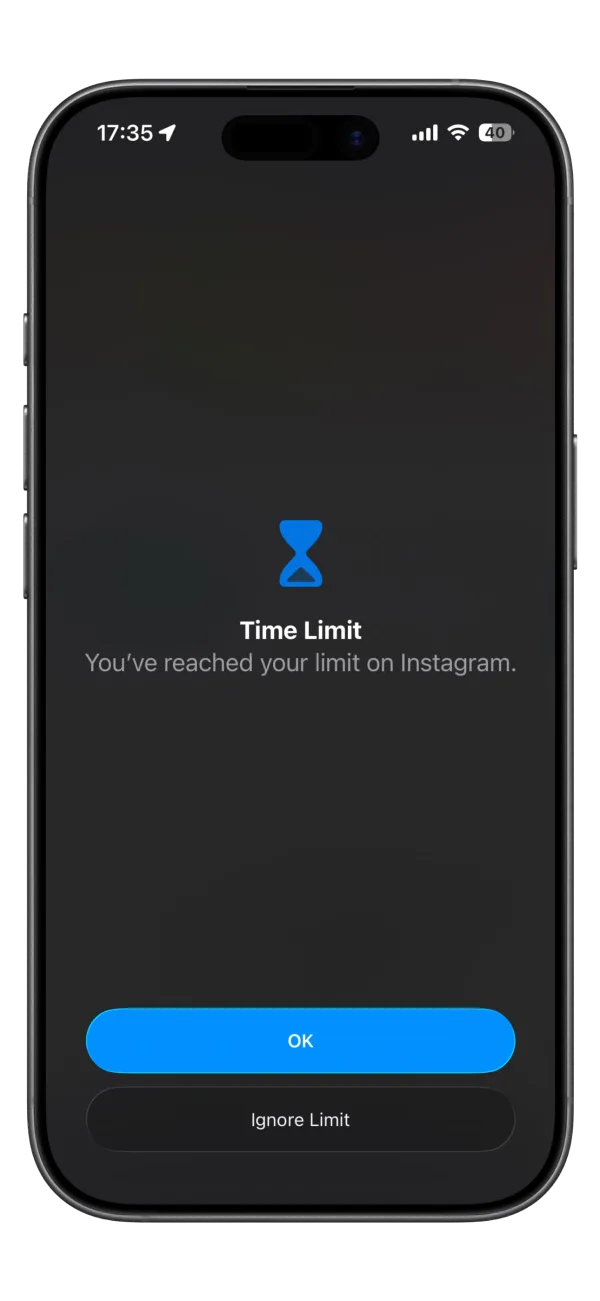
Apple's Screen Time and most app blockers can be bypassed in seconds — "Ignore limit", "Remind me later", or simply opening a loophole in settings. LOKD works differently: the unlock isn't on your phone at all. Your chosen apps stay locked until you physically scan your LOKD Key, so the moment of temptation never turns into action.
Can’t I just delete the app to remove the lock?
With Strict Mode activated, the LOKD app cannot be deleted until you unlock using your LOKD Key. This stops last-minute bypass attempts and ensures your setup stays intact when you need discipline the most.
What do I receive when I order a LOKD Key?
Every order includes:
- One LOKD Key
- Full access to the LOKD iOS app
- No subscription fees, no recurring charges.
Can a single LOKD Key work with multiple iPhones?
Yes. You can pair the same Key with multiple iPhones, and one iPhone can also work with several Keys — useful for home, office, or travel setups.
What if I lose my LOKD Key?
The app includes a limited number of Emergency Unlocks.
Which devices does LOKD support?
The LOKD App works on iPhones running iOS 16.6 or newer. Android support is planned soon.
Where do you ship from?
We ship all orders directly from our facility in Switzerland, where we develop the app and produce the LOKD Keys. This allows fast dispatch, quality control, and a clean experience.
Engineered in Switzerland
LOKD is engineered and made in Switzerland, with the app also developed locally. Each unit ships directly from Switzerland, ensuring short delivery routes. Thoughtful design and elegant packaging make it look good wherever it lives.
Own your attention. Own your time. Get locked in.